TechSave: Free Media Downloader, Easy to Use
2026-10-27 by Trevor Kamau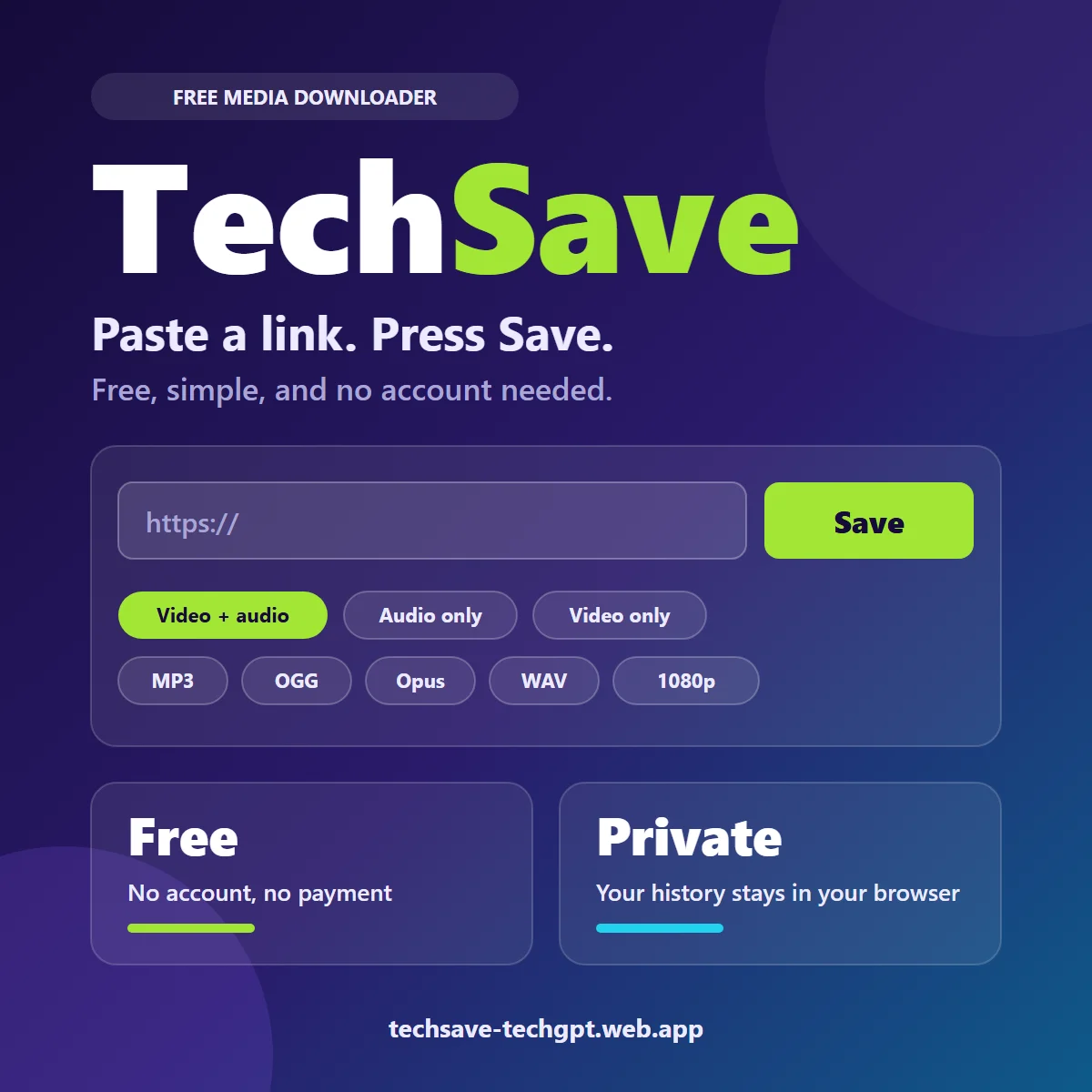
Paste a link. Press Save. TechSave, a new free tool from the Nairobi team at TechGPT, is built around those two steps, and it asks for no account, no email address and no payment.
That simplicity is the point. If you have ever wanted a clip or a track on your phone for the days when data runs low, this is the kind of tool that should take about ten seconds.
One box, one button
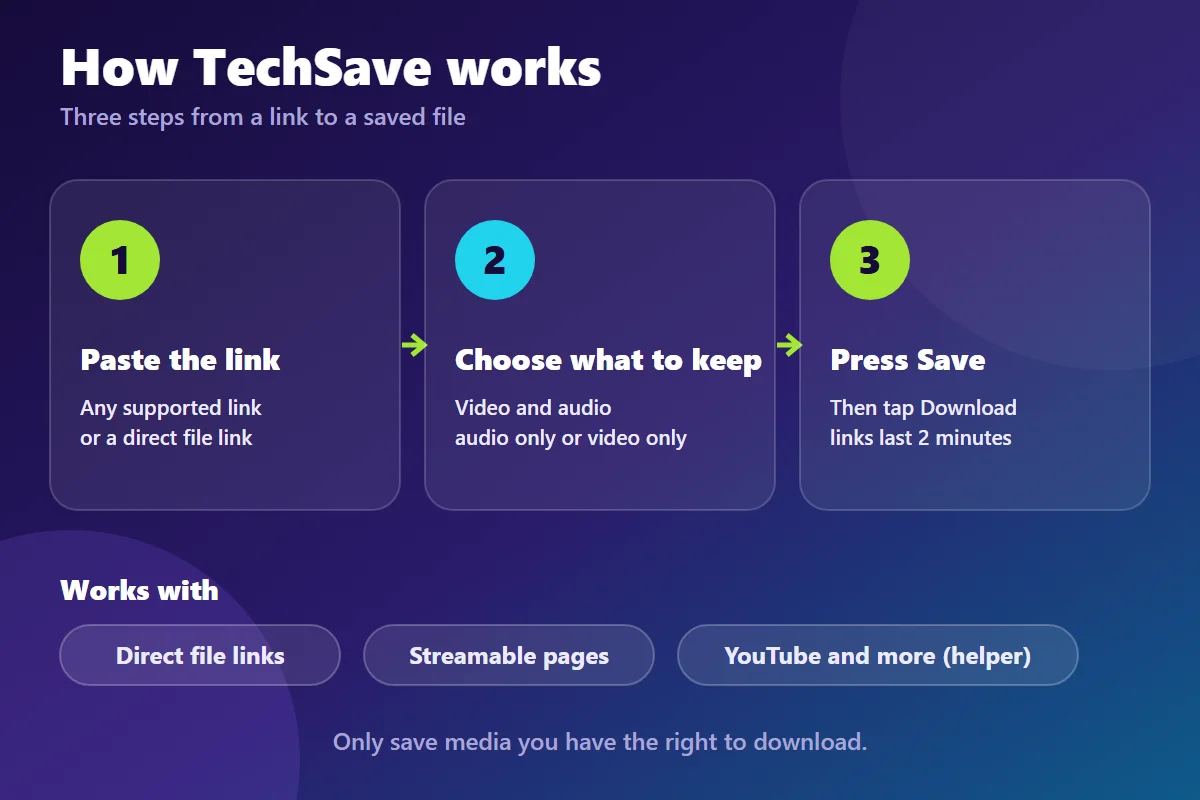
Open TechSave and you see exactly that: a box for the link and a Save button. Paste the link, choose what you want to keep, press Save, and a Download button appears with the file name next to it.
The page has no sign-up form and no pop-ups. It is also built to fit a phone screen, which matters because that is where most of us will use it.
Choose what you keep
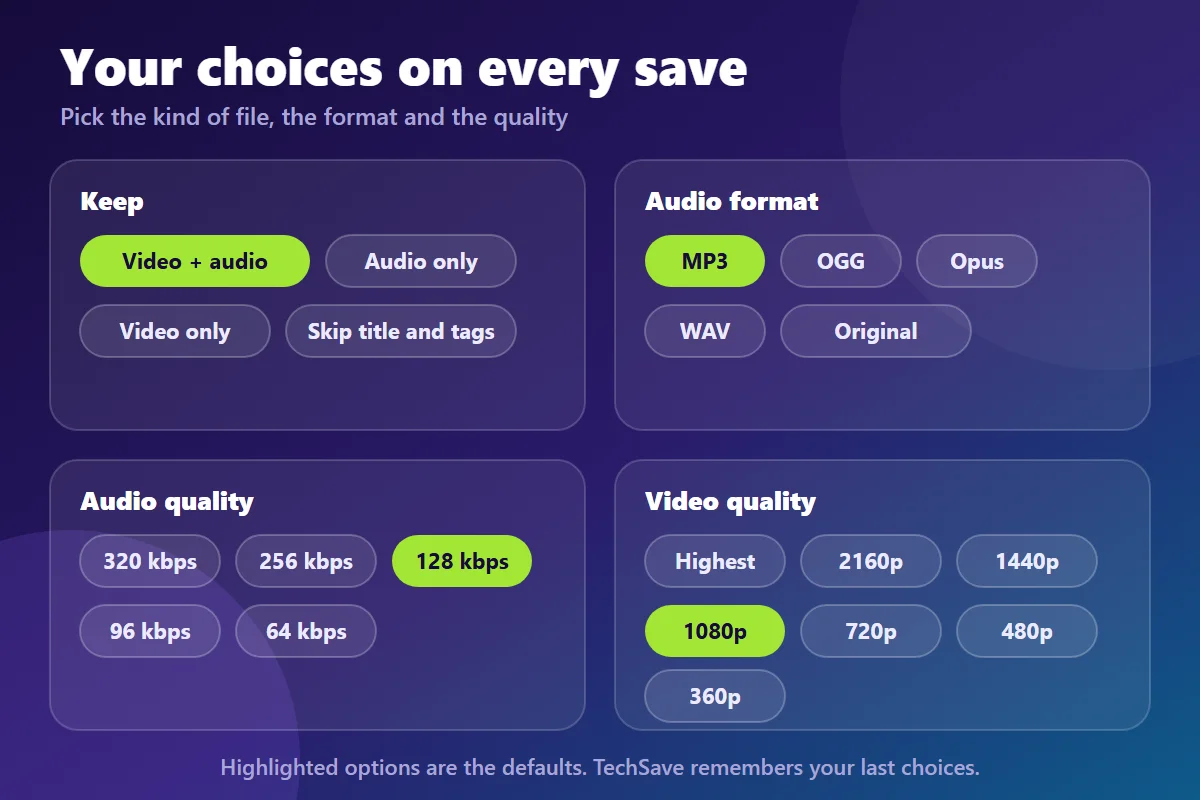
You get three choices for what to keep: video and audio together, audio only, or video only. If you only want the sound, pick the format you need: MP3, OGG, Opus or WAV, or keep the original file as it is.
Quality is yours to set as well. For audio you can go from a small 64 kbps file up to 320 kbps, and for video from 360p up to the highest quality available, with 1080p as the default. A tick box lets you leave the title and tags out of the saved file.
TechSave remembers your choices for next time and shows your last eight saves. That history lives only in your own browser, not on an account, because there are no accounts.
What it works with
TechSave handles direct links to media files, such as video, audio and image files, and it handles Streamable pages on its own. For YouTube and similar sites it uses a helper built on the open-source cobalt project. When that helper is offline, TechSave says so in plain words instead of failing silently.
If a link is not supported yet, you get a clear message that tells you to try a direct file link or a supported service. No cryptic error codes, and no wondering what went wrong.
Built to be quick and careful
Download links expire after two minutes, so nothing lingers online. TechSave streams the file to you rather than storing it. It also limits how many requests one person can make in a minute, which is why you may occasionally see a "wait a minute" message, and it refuses addresses on private networks as a safeguard against misuse.
Because it runs on a free hosting plan, the first save after a quiet spell may take a little longer than usual. That is the trade-off for a tool that costs you nothing.
Use it responsibly
TechSave's own footer says to save only media you have the right to download, and that is the right rule. Good uses include your own uploads, things you created, public domain and Creative Commons material, and files you have permission to keep.
Many platforms forbid downloading in their terms of use, and copyright law can too. TechSave is a tool, and checking your rights before you press Save is your job.
Who it helps
Creators can back up their own videos. Musicians can turn their own recordings into MP3 files. Students can keep lecture material when the lecturer allows it. Anyone who has a direct file link and wants it offline when mobile data is expensive can have it in a few seconds.
Frequently asked questions
Is TechSave free? Yes. At the time of writing it is free to use, with no account and no payment.
Do I need to create an account? No. You paste a link, choose your options and save. Your recent saves stay in your own browser.
Which formats can I save? For audio you can pick MP3, OGG, Opus, WAV or the original file. For video you choose a quality from 360p up to the highest available.
Why did my link not work? The site may not be supported yet, the helper for sites like YouTube may be offline, or you may have hit the request limit. Try a direct file link, or wait a minute and try again.
Is it legal to download anything with TechSave? No. Only save media you have the right to download, and respect the terms of the site it comes from.
Ready to try it? Open TechSave and paste your first link. If there is a site you would like it to support, message the TechGPT team on WhatsApp at +254 112 260 758.